
All your branches. One system.
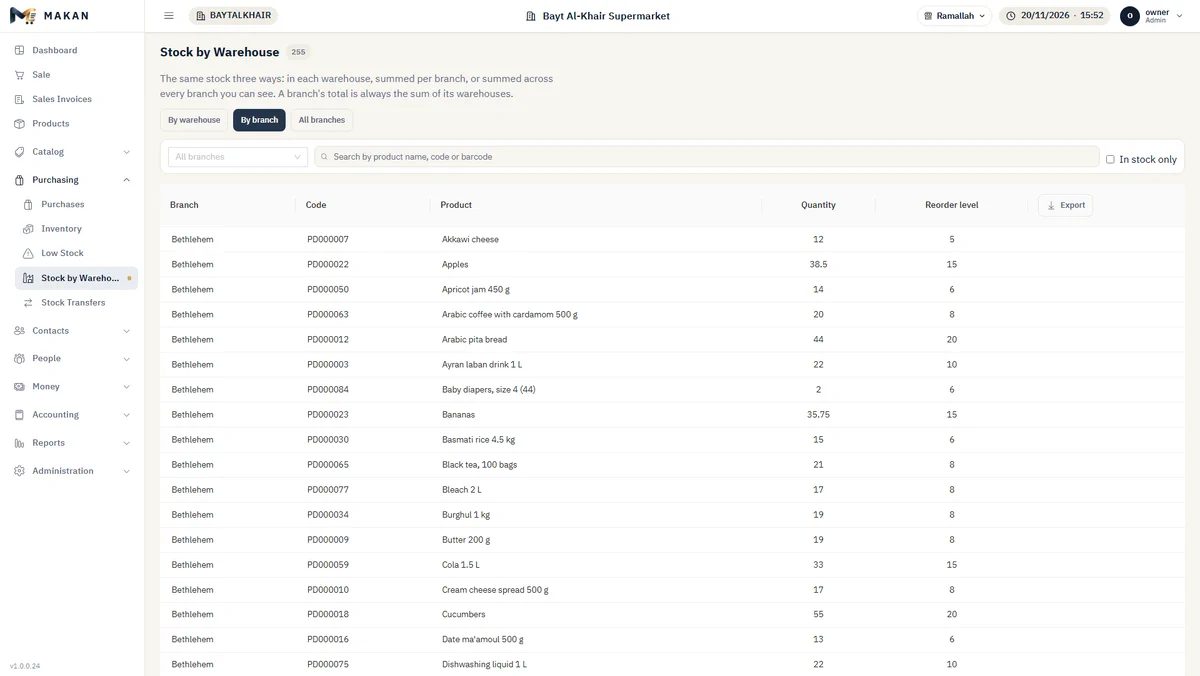
Wherever your branches are, one back office sees them all. Each branch keeps its own stock and prices, and each POS terminal its own cash drawer.
Every branch in one system
Add a branch and it comes with a default warehouse. Users are assigned to the branches they work in, and see only those.
- Run several branches from one system.
- Users see only the branches they are assigned to.
Compare stock across branches
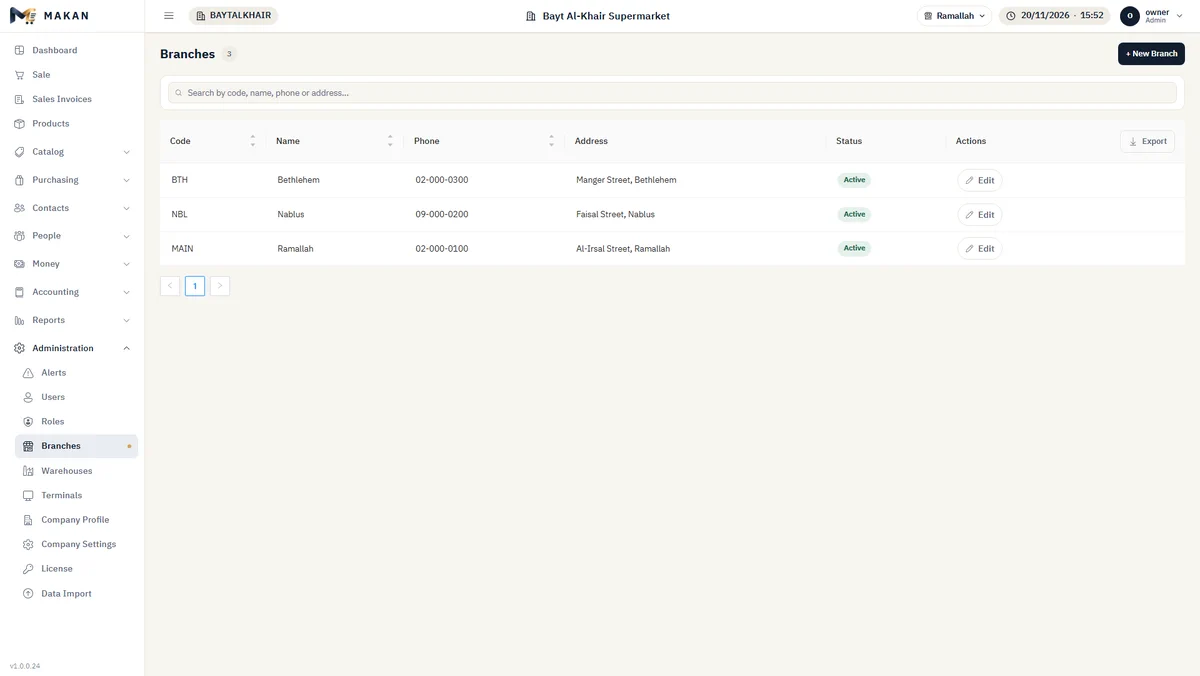
See the same product in every branch side by side, then move stock to where it sells.
- View stock by branch and by warehouse.
- Transfer stock between branches in one step.
Prices by branch
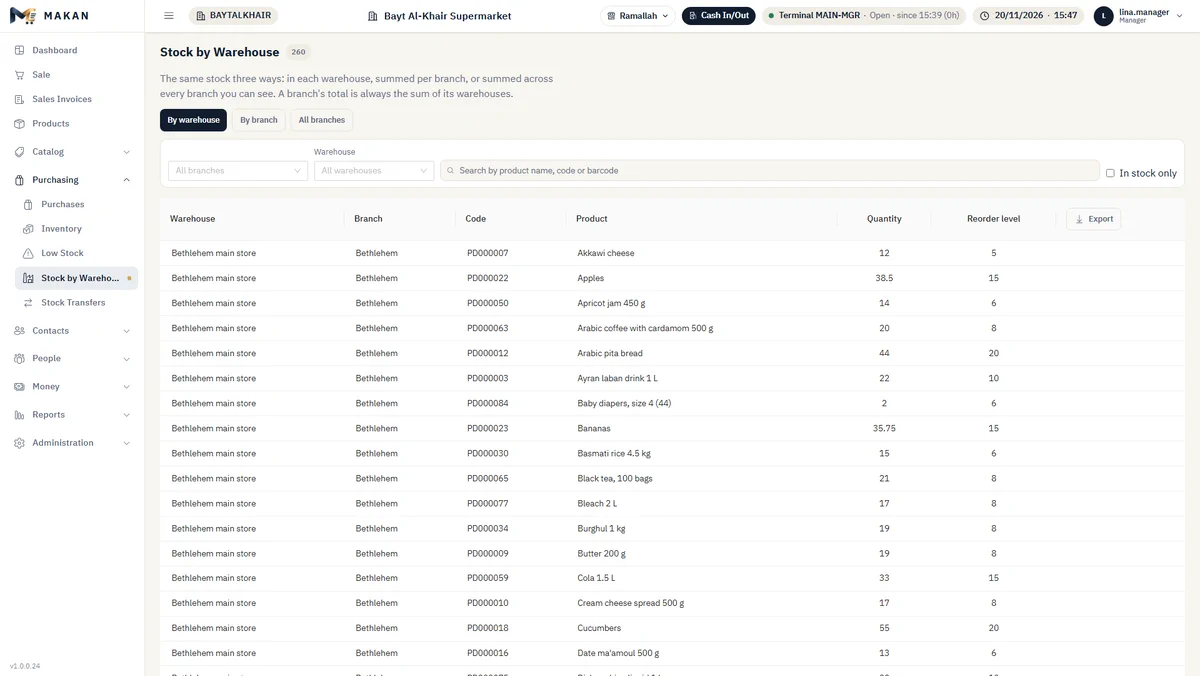
A branch can sell a product at its own price, or use the default. The POS and the server always agree on which price applies.
- A branch can set its own price for a product, or use the default price.
POS terminals, sessions and permissions
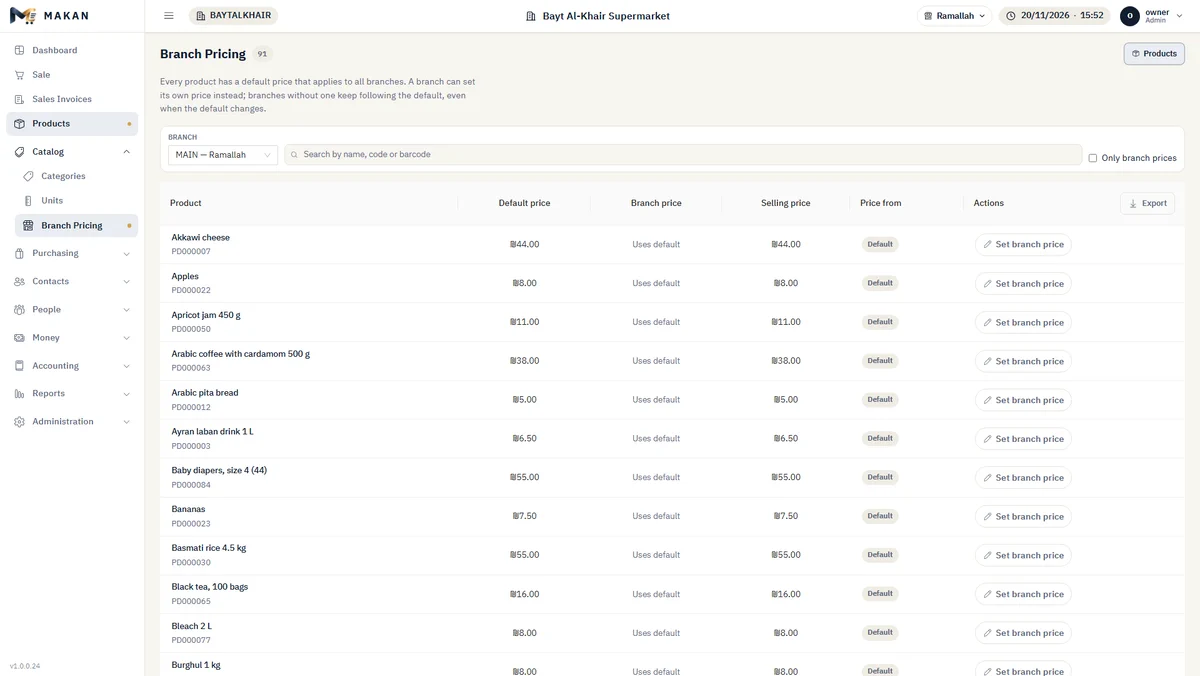
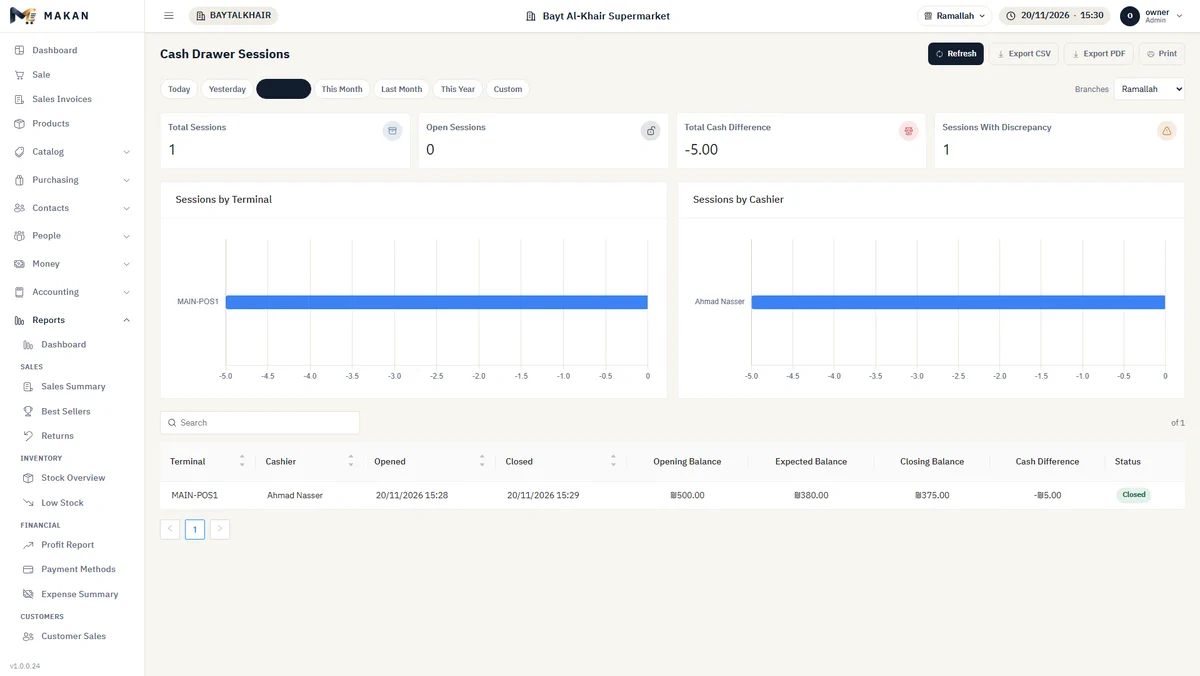
Every POS terminal has its own code and its own cash drawer sessions. Roles and detailed permissions decide who can sell, take returns, change prices or see the money.
- Each POS terminal opens and closes its own cash drawer session.
- Sales, returns and sign-ins are recorded with the terminal and the user.
- Roles with detailed permissions; users without edit rights see a read-only screen.
More of what MAKAN does
- Platform overview How it all fits together
- Point of sale Checkout, payments, returns, cash drawer
- Inventory management Warehouses, stock counts, transfers
- Purchasing & suppliers Deliveries and supplier accounts
- Customer management Accounts, credit sales, payments
- Reports & analytics A dashboard and 22 reports
See MAKAN at work with your own products.
Book a short demo. We walk you through checkout and the back office, then send a quote for your setup, branches and POS terminals.